Thingiverse
Lightswitch IDs
by cylus80
10
Downloads
6
Likes
0
Makes
TITLE:
Lightswitch ID
Summary
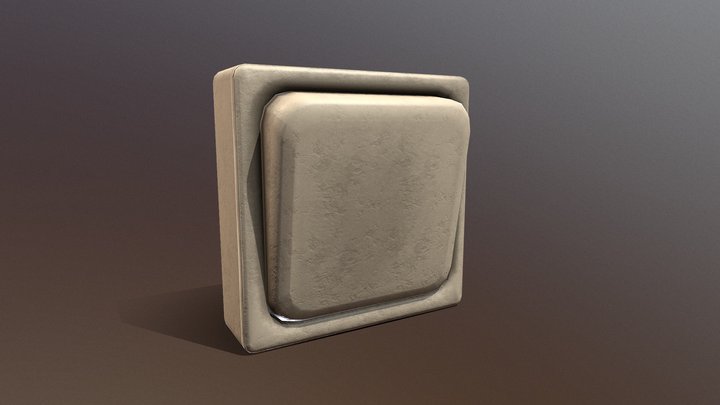
A light switch icon that you can use to mark what your lights switches control. They go on one of the screws.
TAGS:
Marker lightswitch icon tags switchtag lightswitchid
DESCRIPTION:
I am a maintenance man for some rentals and it gets exhausting telling people what each switch does (I cannot tell you how many calls I get about a broken dishwasher that ends up being a tenant turning off the switch for it), so I love FuzzyOrange's Switchplate Identifiers, and came up with a few more that I find helpful. They are not nearly as elegant as FuzzyOrange's but I hope others find them useful.
This listing has the design for:
-Dishwasher icon
-Outdoor light (wall mounted kind) icon
-Bathroom light icon
-Garbage disposal icon (garbage can)
-Recessed light
-Flood light
-Ceiling Fan
-Whole House Fan
-Bathroom Fan
-Outlet
-...
PARTS:
None
ASSEMBLY:
Remove one of the screws from the light switch, put screw through Icon, and then screw back
Lightswitch ID
Summary
A light switch icon that you can use to mark what your lights switches control. They go on one of the screws.
TAGS:
Marker lightswitch icon tags switchtag lightswitchid
DESCRIPTION:
I am a maintenance man for some rentals and it gets exhausting telling people what each switch does (I cannot tell you how many calls I get about a broken dishwasher that ends up being a tenant turning off the switch for it), so I love FuzzyOrange's Switchplate Identifiers, and came up with a few more that I find helpful. They are not nearly as elegant as FuzzyOrange's but I hope others find them useful.
This listing has the design for:
-Dishwasher icon
-Outdoor light (wall mounted kind) icon
-Bathroom light icon
-Garbage disposal icon (garbage can)
-Recessed light
-Flood light
-Ceiling Fan
-Whole House Fan
-Bathroom Fan
-Outlet
-...
PARTS:
None
ASSEMBLY:
Remove one of the screws from the light switch, put screw through Icon, and then screw back
Did you print this model? Sign in and share your make!
Sign in to leave a comment
Sign inNo comments yet – be the first!