MakerWorld
Measure Tools
Zum Modell
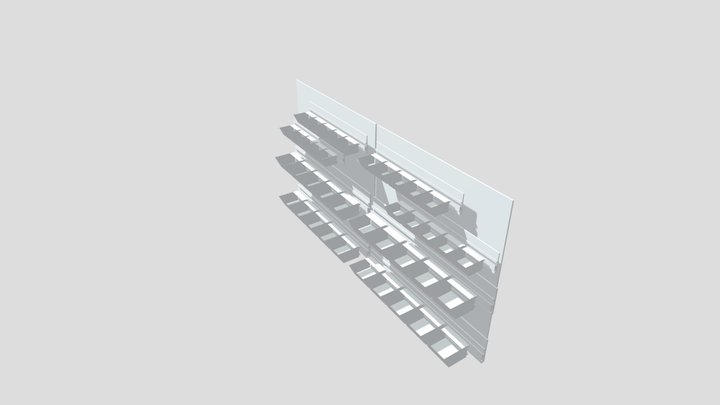
Wall Thickness Measuring and Check Tool
53
Downloads
17
Likes
33
Makes
This is a simple, multicolored tool to check wall thicknesses before you create new objects so you don't waste time on prototyping.You can also check if the wall thickness on a print is like it should be. You can change the colors by painting the file or if you don't have AMS just print one single color since the numbers are elevated.You can also pause the print to change the colors manually, since the color change is after a certain layer height.
Hast du dieses Modell gedruckt? Einloggen und dein Make teilen!
Melde dich an, um einen Kommentar zu hinterlassen
AnmeldenNoch keine Kommentare – sei der Erste!